TRACK
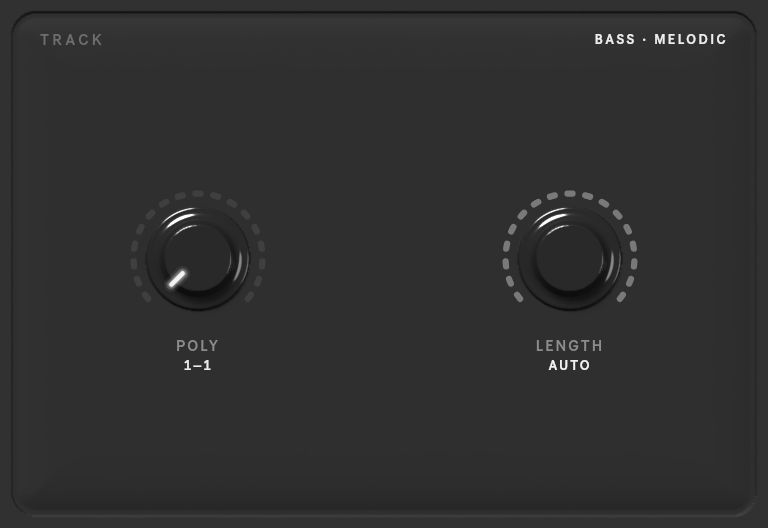
Controls for the selected track. They are stored per track, so each target can ask for something different. The bay shows only the controls that apply to the track: melodic tracks get POLY and LENGTH, drum tracks get DENSITY.
| Control | Range | What it does |
|---|---|---|
| POLY | 1–10, or AUTO | how many notes sound at once, as a range: 1–1 for a monophonic line |
| LENGTH | 32nd to whole notes, or AUTO | the range of note lengths |
| DENSITY | 1–10, or AUTO | how busy the part is (drum tracks) |
Prism and expressive models add a second row:
| Control | Range | What it does |
|---|---|---|
| KEY | the 24 keys, or AUTO | the key the part is in (melodic tracks) |
| RANGE | 1–48 semitones, or AUTO | how wide the part's pitch range is (melodic tracks) |
| SILENCE | 0–90 %, or AUTO | how much of each bar is silent |
| PCS | 1–12, or AUTO | how many different pitch classes each bar uses (melodic tracks) |
| EXPRESSIVENESS | GRID, 1–11, FREE, or AUTO | expressive only: how loosely the notes sit on the beat, from on the grid to freely timed |
GENRE sits in the top row with prism and expressive models: the style to write in, for every track of the request (the screen says ALL TRACKS). Click the screen for the list of the model's genres (NONE leaves it to the model; a click outside closes the list), or step through them with ◀ ▶ or the mouse wheel.
AUTO leaves the choice to the model, reading it from the context.
Using the knobs
- Drag up or down to turn a knob; hold Shift for fine steps.
- Double-click switches AUTO on or off, or resets a knob to its default.
- Range knobs (POLY, LENGTH) have two pointers: a drag moves the nearer one. Hold Option to move the whole range.
Note
Density is only available for drum tracks with the current models; the server refuses it on melodic tracks.